Decorating Your Home
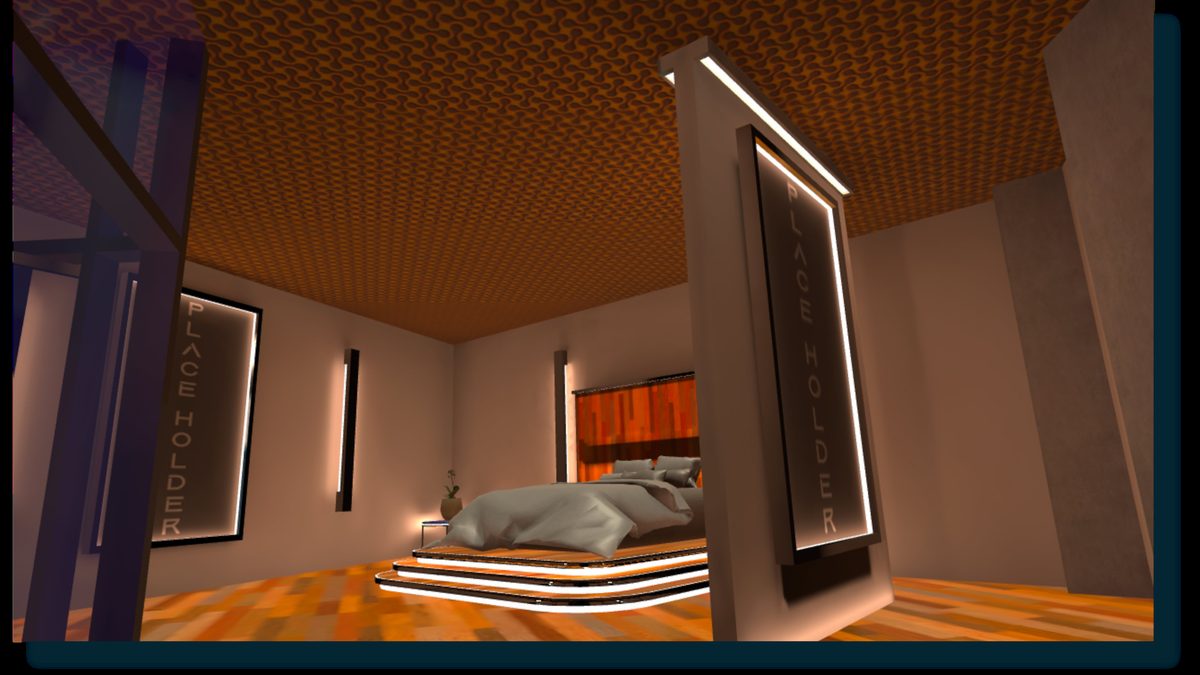
Use the Home Decorator Tool from your Home's control panel to browse and place furniture, change wall decor, and apply new art — from pre-made kits, membership rewards, or Marketplace items.
World Building
So many ways to customize your experience
UtopiaVR is built by dreamers — and that includes you. Every player becomes a world-builder, from designing your perfect apartment to uploading full Unity worlds. And coming soon, you'll be able to use in-app templates to craft your own immersive spaces. Every creation you make becomes part of the ever-growing tapestry of our shared world.
Use the Home Decorator Tool from your Home's control panel to browse and place furniture, change wall decor, and apply new art — from pre-made kits, membership rewards, or Marketplace items.
Build full worlds in Unity and upload them through your Dashboard. Share your creation with the whole community.
Use UtopiaVR templates and assets to build a world right inside the app — no external tools needed.
Earn decor as paid-membership rewards, purchase it in the Infinite Marketplace, or craft furniture in game.
Add scripts to your objects and set parameters to make your worlds react, move and play. Learn more →
For Creators
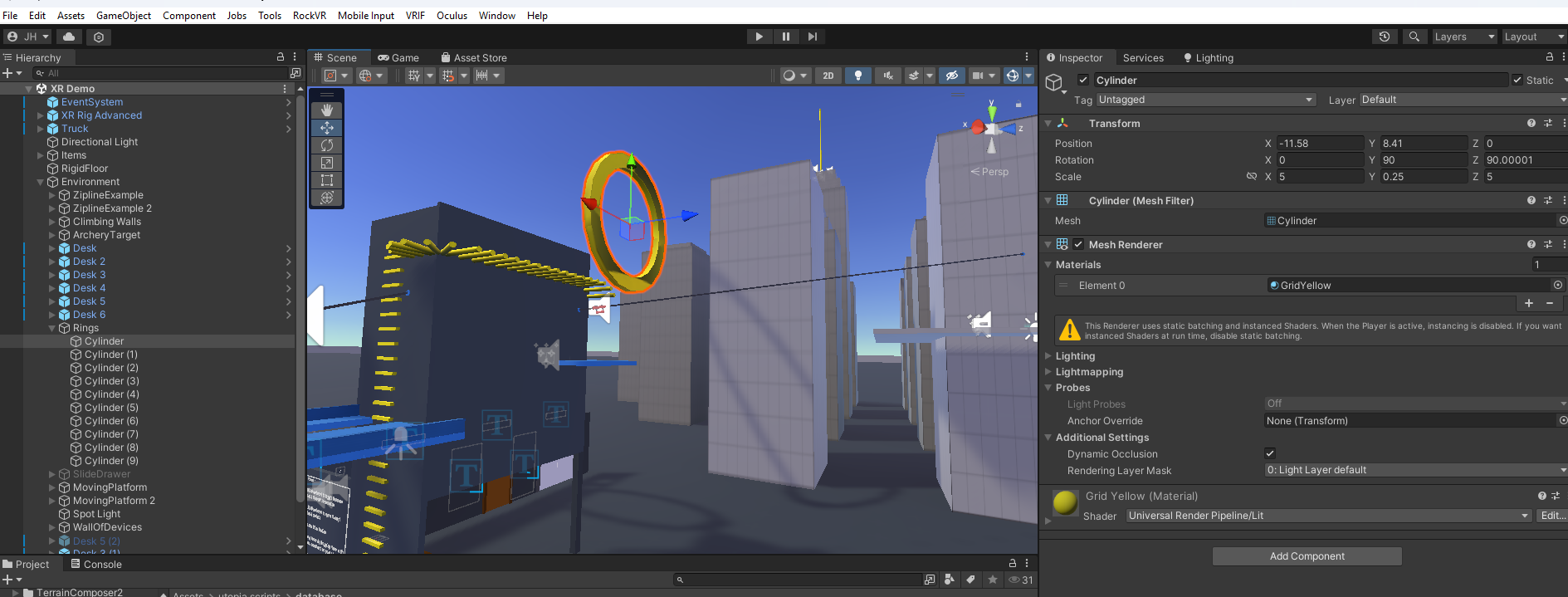
Having trouble with the uploader? Make sure your world meets the requirements above, then email info@utopiavr.world with your contact info, Unity version, world size, pipeline (URP), and screenshots of the issue.
Helpful Resources
There are tons of great YouTube videos and courses out there — don't limit yourself to this list, but here are a few good starting points:
Too many good videos to list — start with the official Unity channel.
Great for all knowledge levels — covers a wide range of topics.
Your VR success guide: tailoring URP settings for peak performance.
World Building FAQ
Open your Friends list from the main menu, select the friend you want to invite, and click the Invite to Home button.
You can share content from various sources — YouTube, video streams from a URL, and even your own desktop screen. Media sharing requires a paid membership tier.
It depends on the complexity of your Home. An average home comfortably holds 10–15 people; larger spaces can hold more.
Three ways: as part of your monthly paid-membership rewards, by purchasing in the Infinite Marketplace, or by crafting items in game.
World-building limits scale with your membership — from 3 worlds up to unlimited creation.